Share inspection reports.
Sharing is easy: by email, a secure link, or a QR code (great in person). Owners, tenants, co-landlords, and more open the digital report in any browser, with no account needed, even to sign.
Share report
Anyone with the link can view. No account required.
How sharing works
Reports are generated immediately.
Upload an inspection and its digital report builds itself, ready to view in any browser.

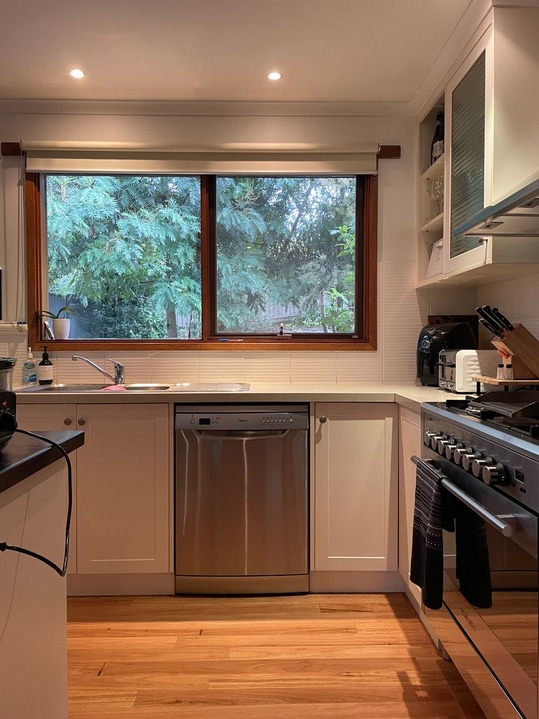
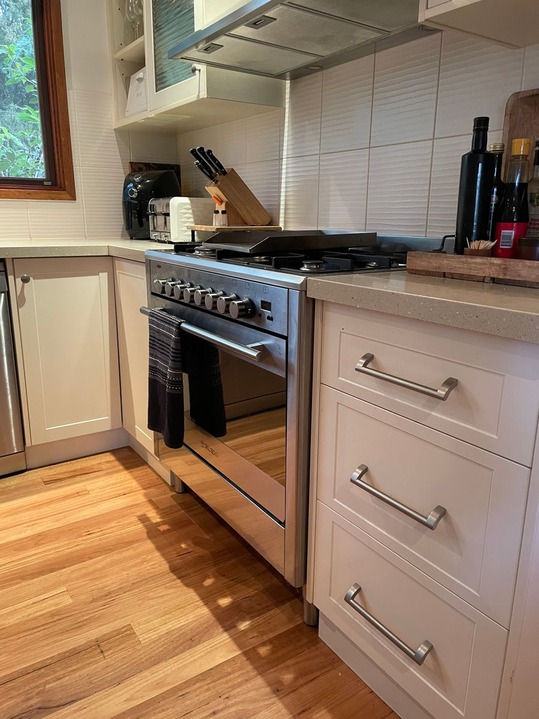
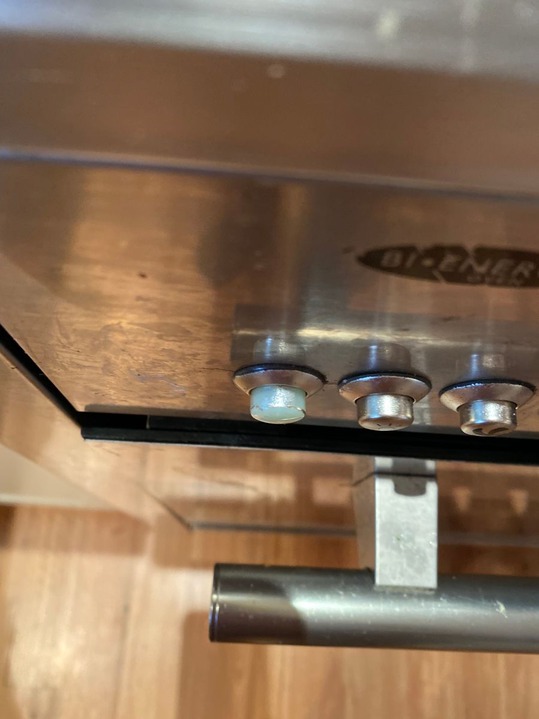
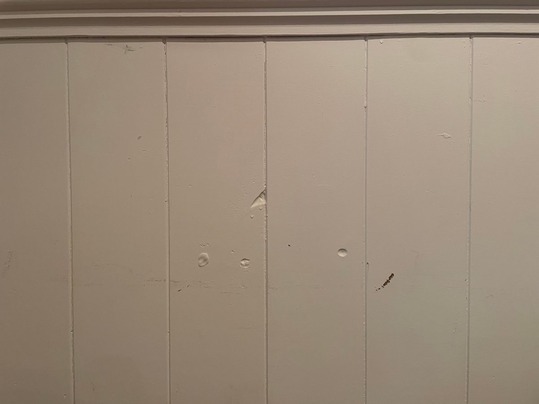
1 Inspect in the app.
Walk the property room by room, sign the report on the spot, then upload it.
2 Review on the web.
Check the report, and tweak anything before it goes out.
3 Share it your way.
Email it, send a secure link, or show a QR code in person.
4 They review, then sign.
Anyone signing can add their own notes, photos, or video before they sign.
Three ways to share.
Each one shares a link to the same digital report. It opens in any browser, on any device, with no account needed.
By email
Email the report to owners, tenants, and anyone else who needs it.
By secure link
Each report has its own private link that isn't publicly listed. Text it, or drop it in a chat.
By QR code
Great in person. They scan the code on your phone, and the report opens on theirs, ready to review and sign.
Collecting signatures?
They sign the same report, wherever they are.
LANDLORD
Jenny Jackson
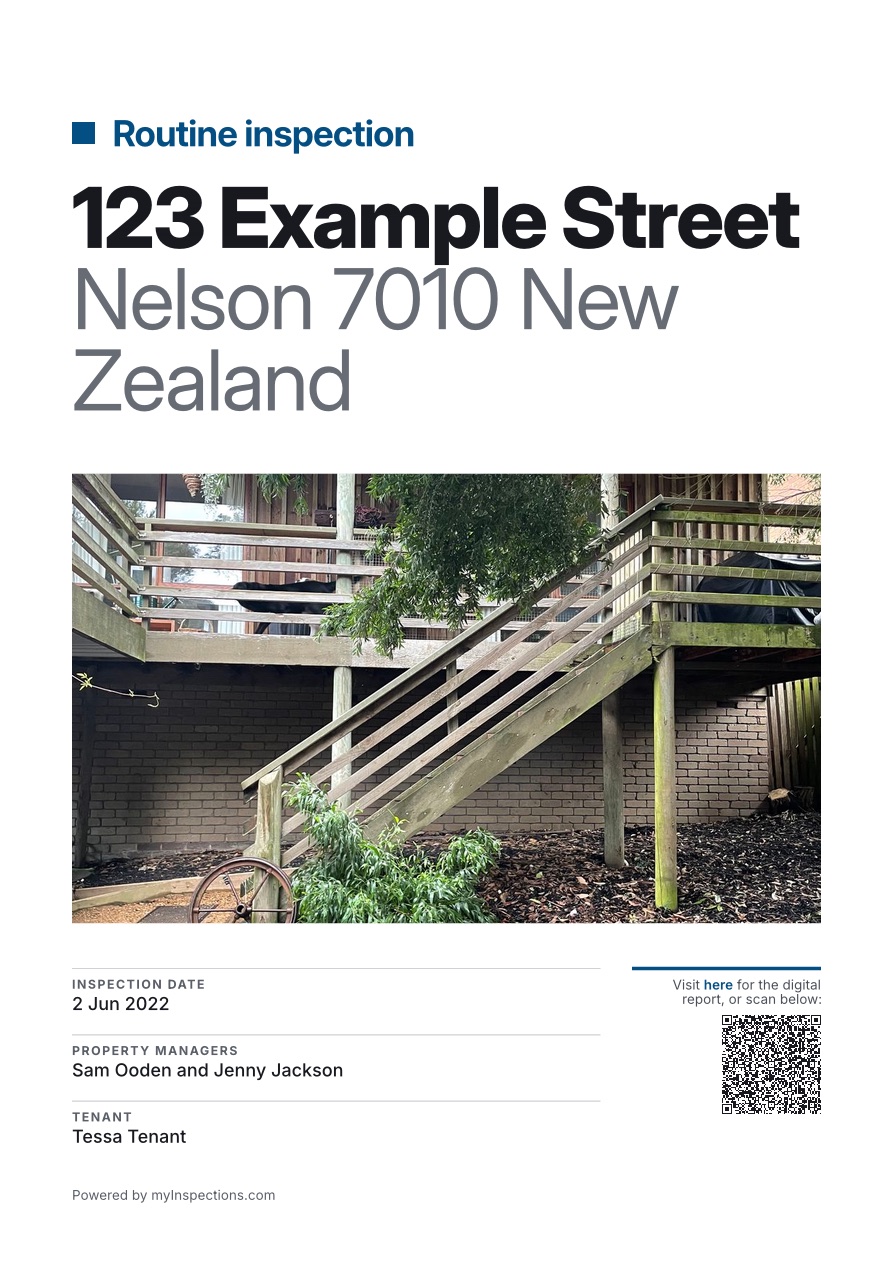
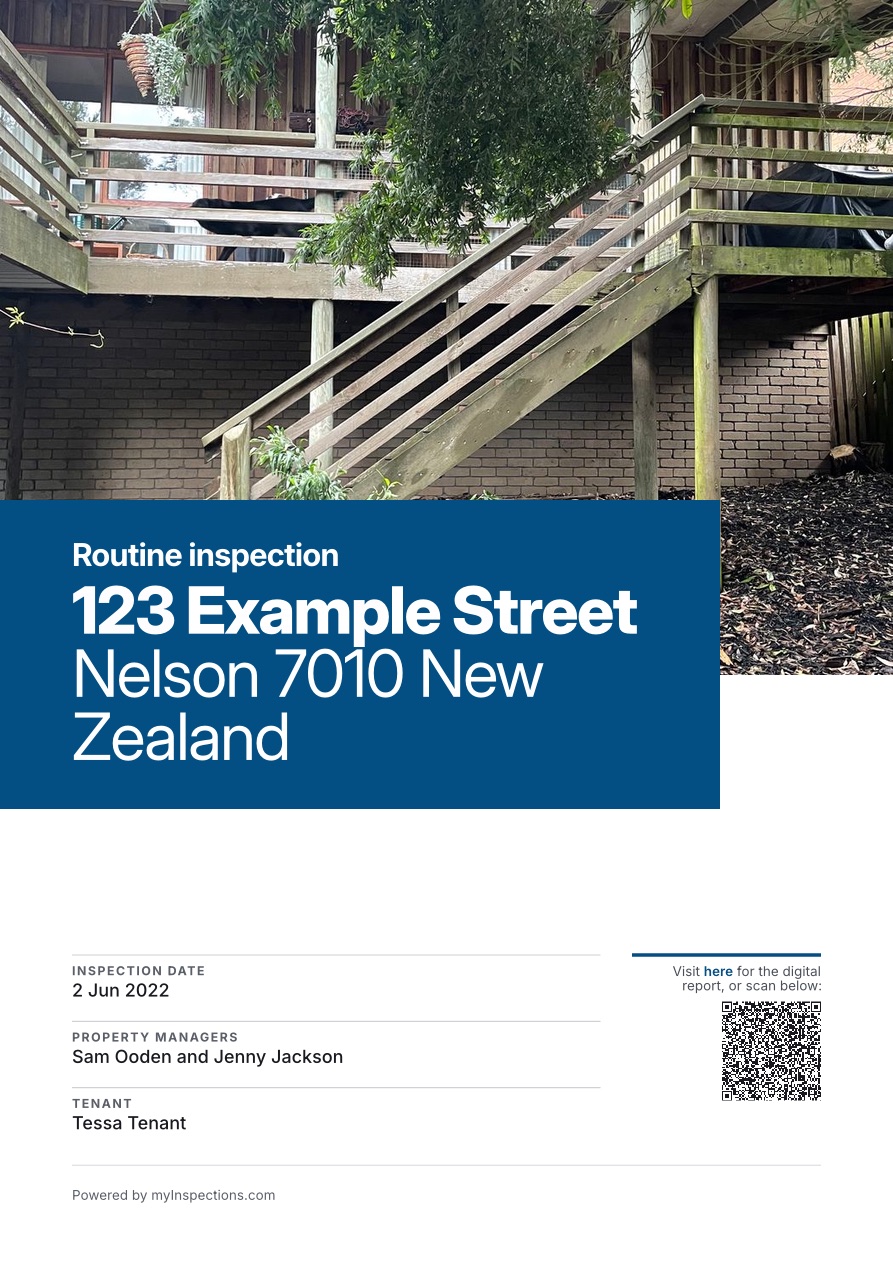
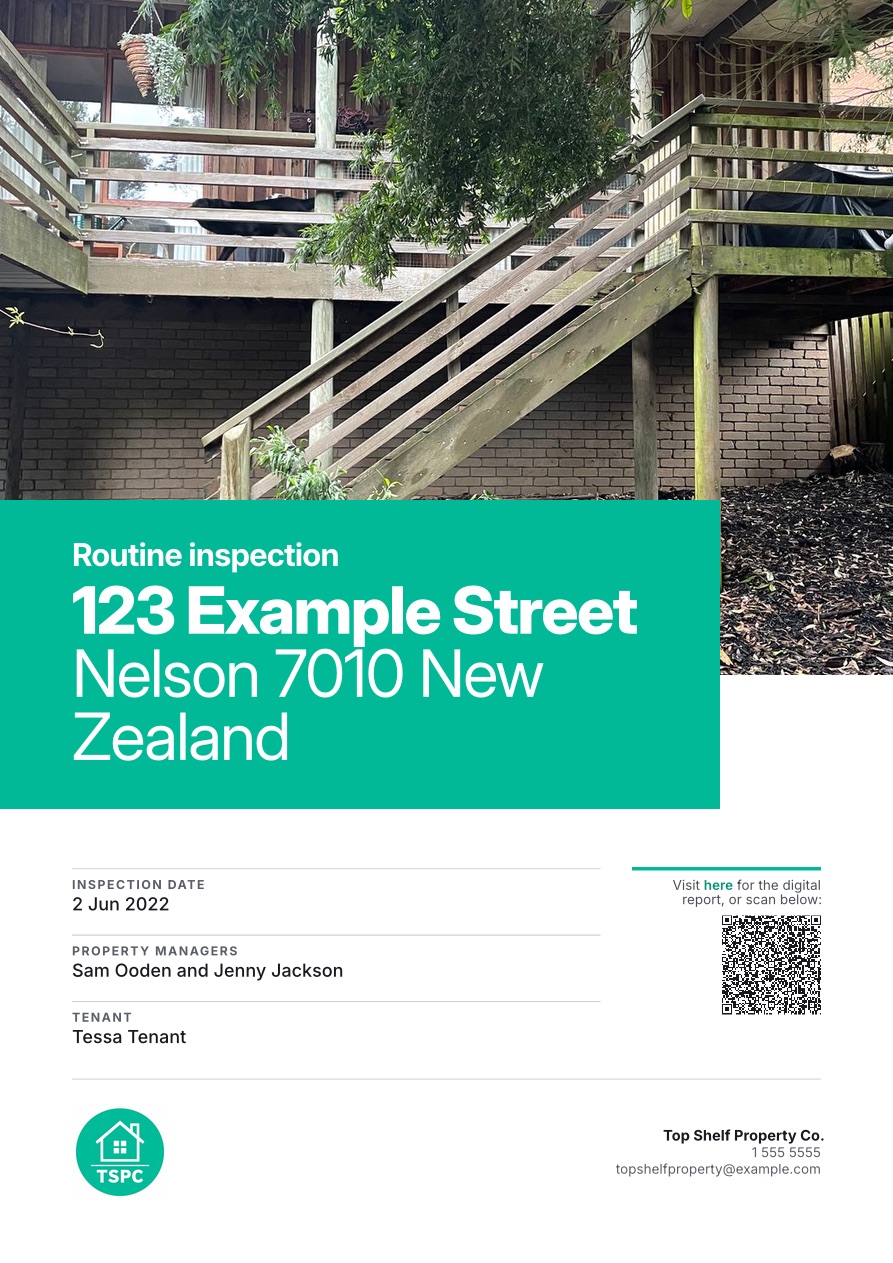
Need a paper copy?
Every report has a polished, professional PDF export, ready to print, attach, or keep on file.
Learn more about PDF reports →Related features
Continue exploring myInspections
LANDLORD
Jenny Jackson
Added by Tessa Tenant
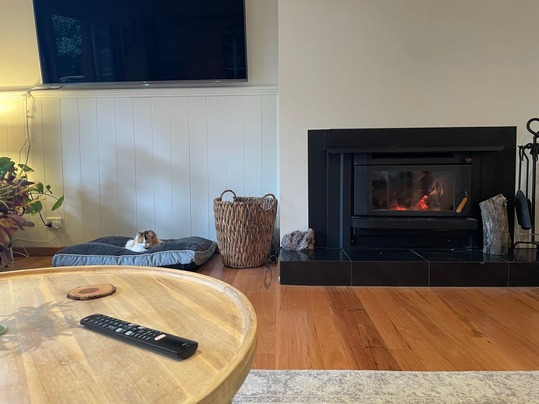
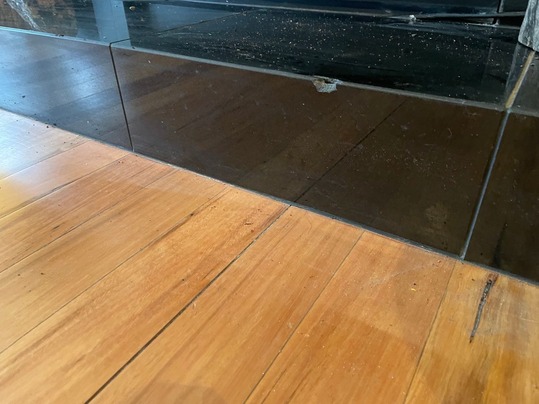
Notes:
One of the tiles in front of the fireplace is chipped.
Things people ask
Who can open the report link?
Do they need an account or the app?
Can I share a report in person?
Can they sign from the link?
Get your report in front of the right people.
Start your trial today. Finish an inspection and share it by email, link, or QR code.