Polished, professional PDF reports.
Hand clients a report that makes you look good. Your PDF is ready the moment you finish, with the property on the cover and every photo in place.
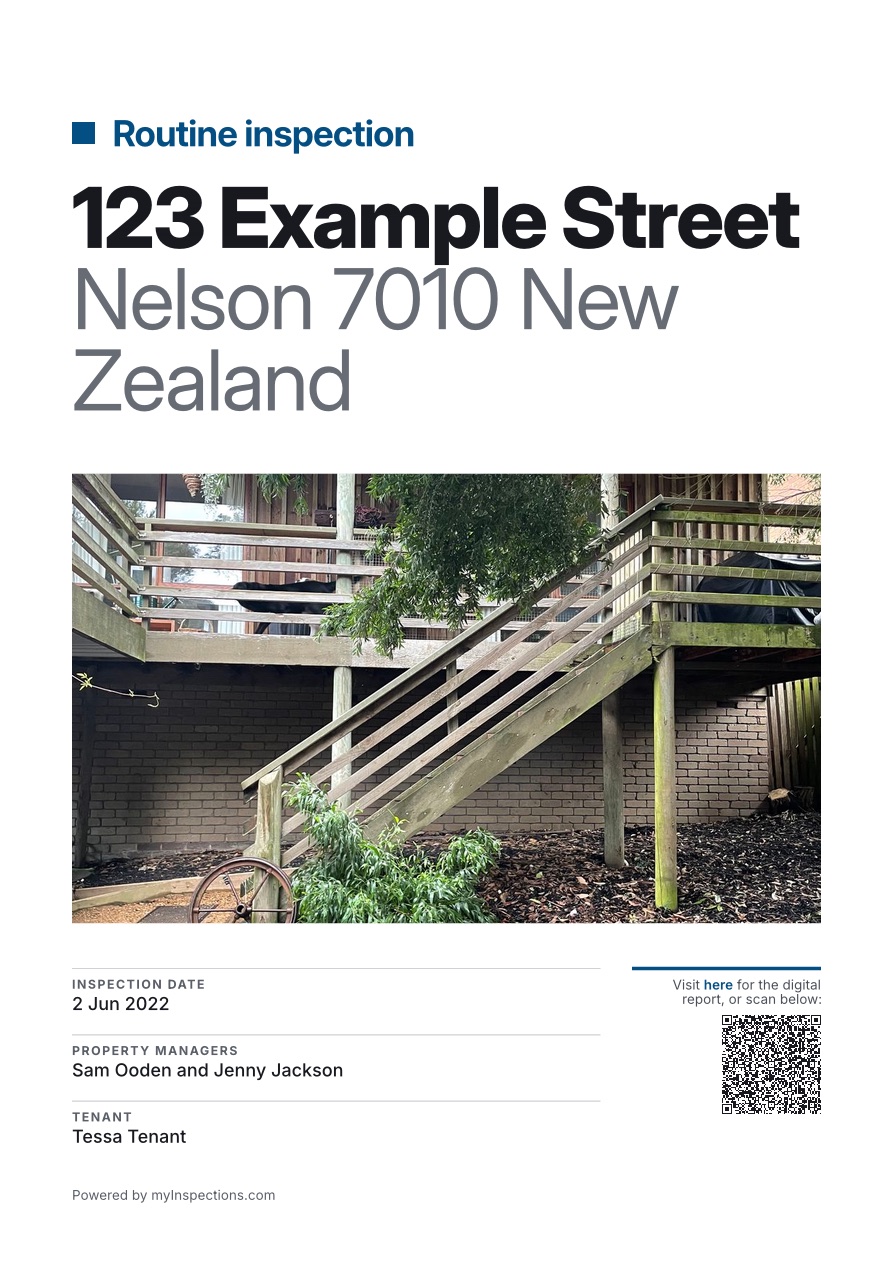
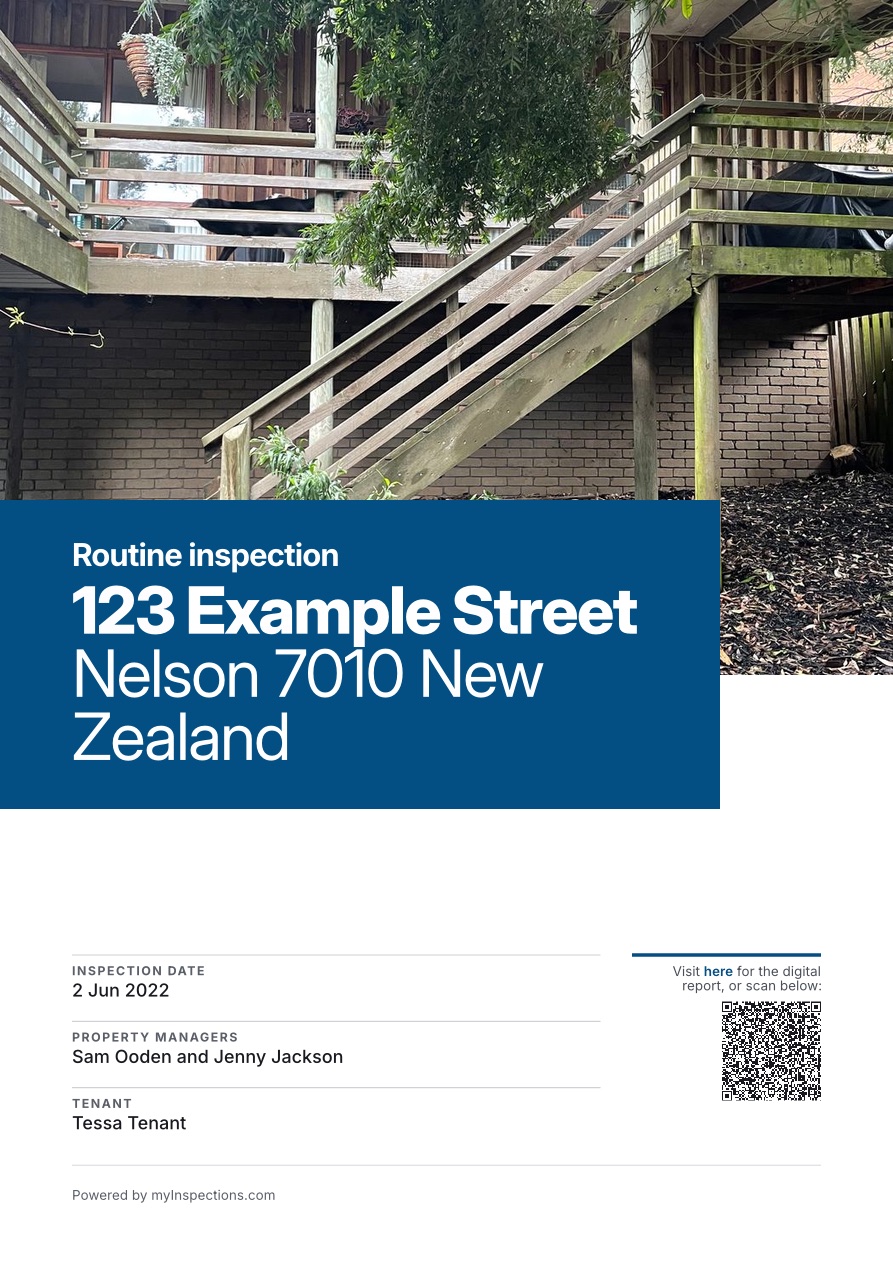
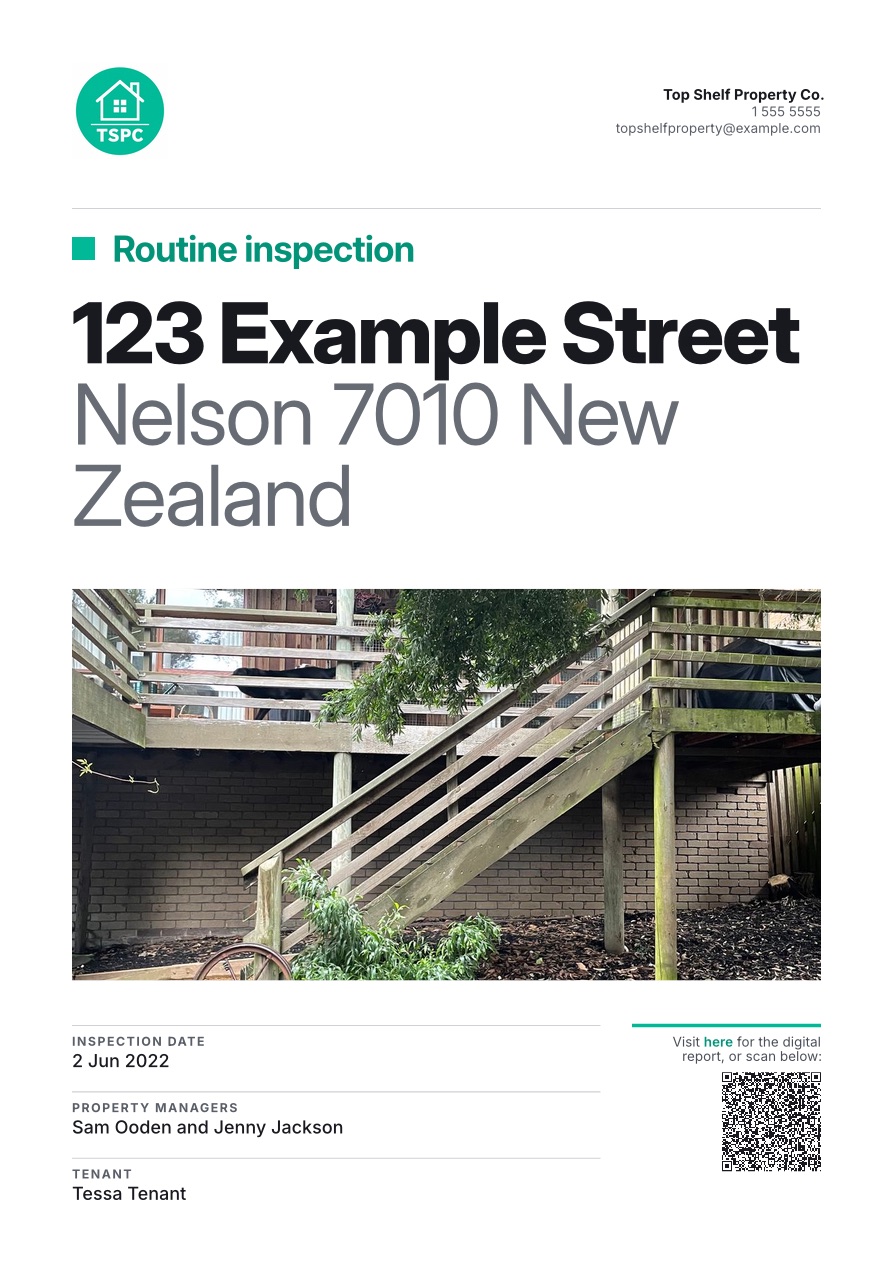
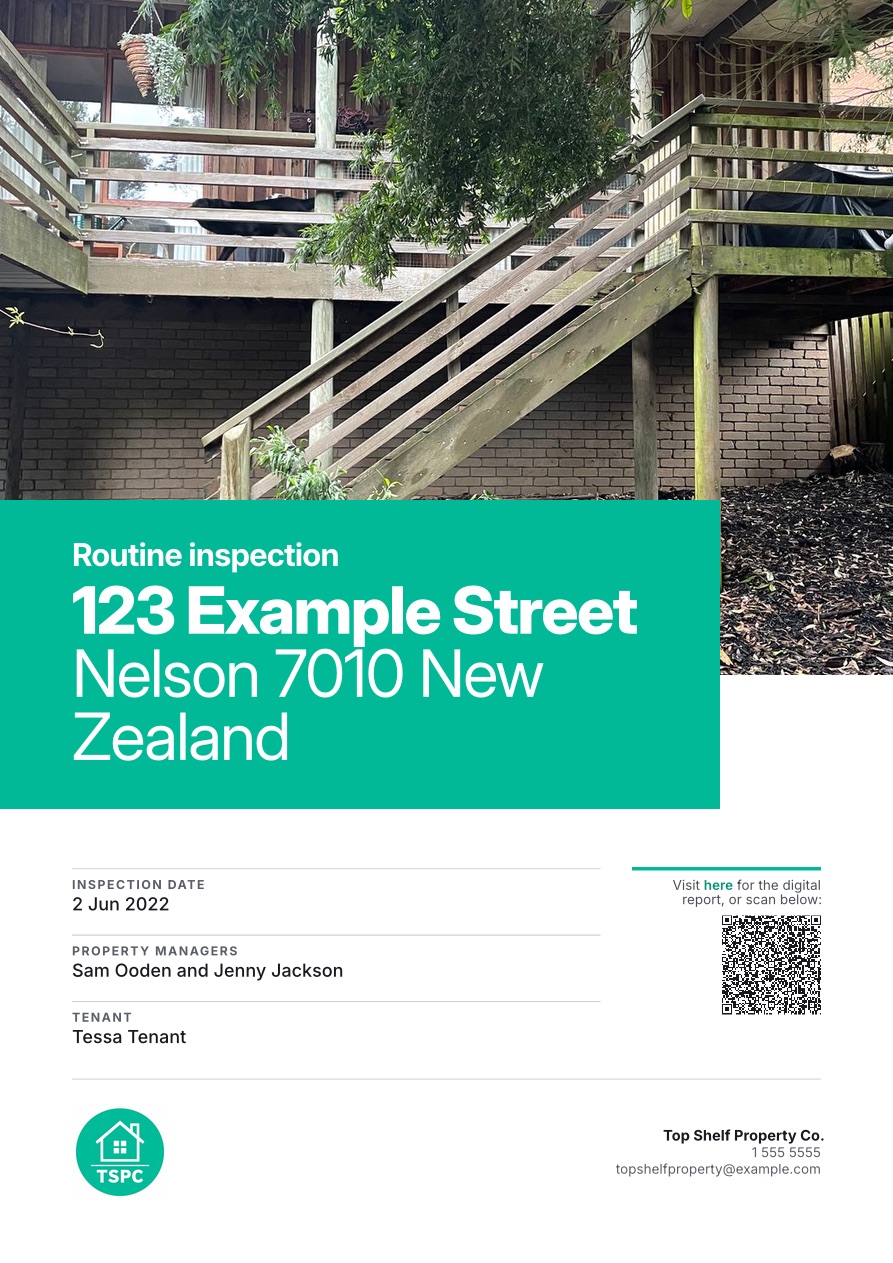
Make it yours.
Customize your reports by picking a cover, adding the property's photo, and adding your logo, brand color, and contact details.
More than a printout.
We've thought a lot about our PDF reports. They come with some smart extras.
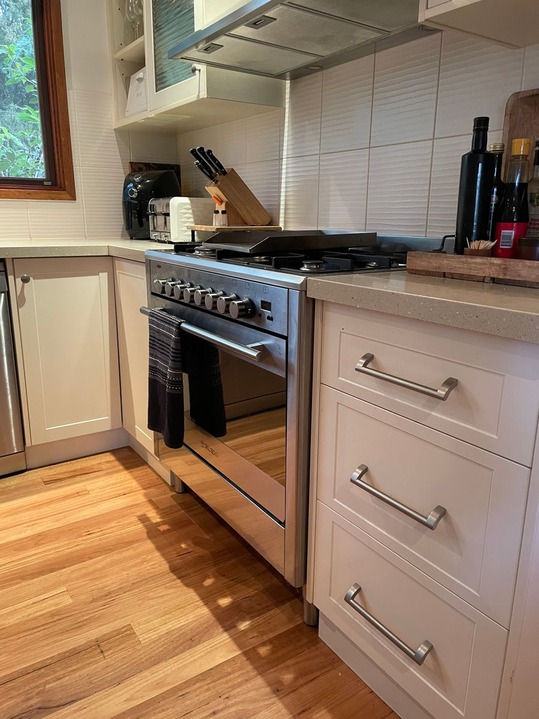
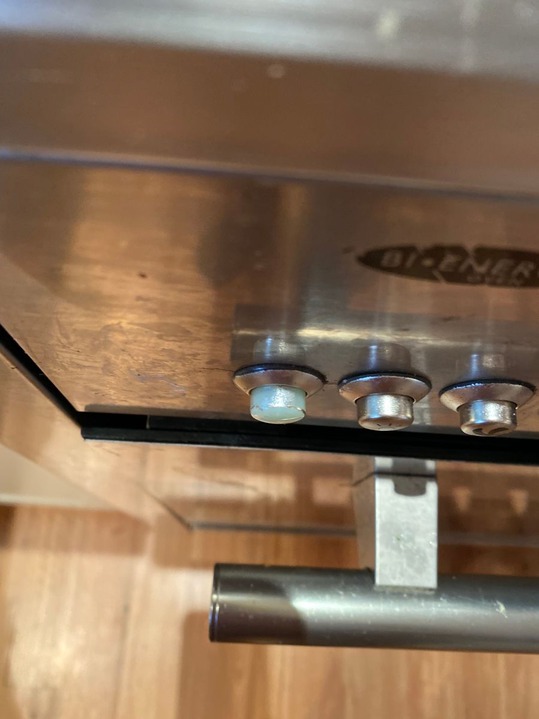
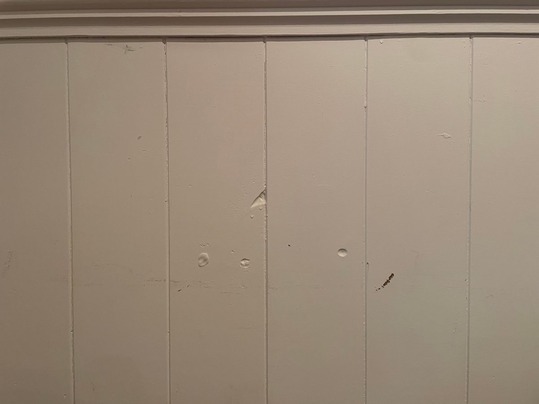
Full-size photos and videos. Reading the PDF on screen? Click any photo or video to open it full size.
Linked to your digital report. A link and QR code on the cover open the live report in any browser, with no account needed.
Learn about digital reports →AI-ready reports. We intentionally build our PDFs with the full report embedded inside as clean, structured text, ready for search and AI tools to read.
Ready to e-sign. Every report you generate can be signed on the spot or from a link.
Learn about e-signing →AI-ready exports
Your data, ready for your AI.
Everything in your inspections is, of course, your data and you own it. We make it fully accessible and exportable in a nice, organized manner for your records or your own creative AI endeavors.
Export it all. Download every report as a plain-text (markdown) summary and structured JSON data, alongside the PDF and every original photo and video.
Bring your own AI. Feed it to the AI of your choice to speed up your workflow, write specialized reports, or build your own dashboards.
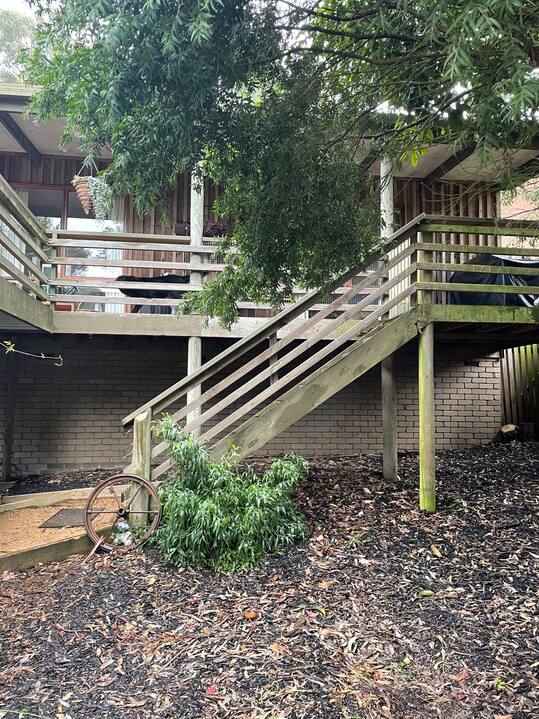 Front yard
14 May 2025
Front yard
14 May 2025
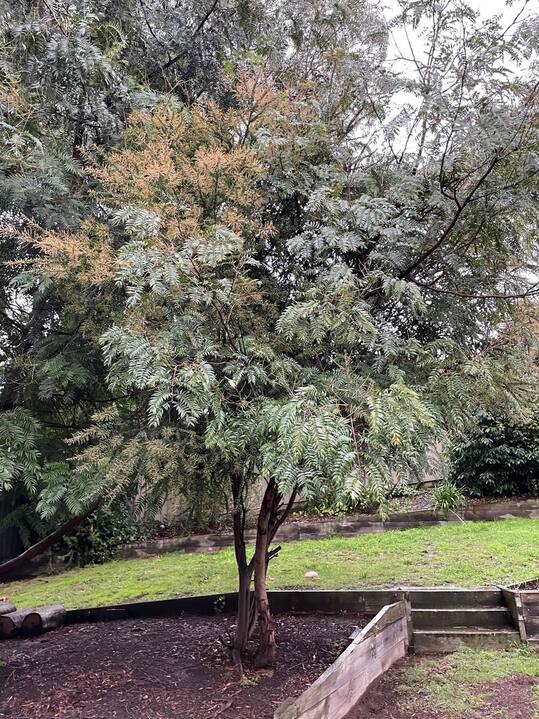 Back yard
4 Feb 2026
Back yard
4 Feb 2026
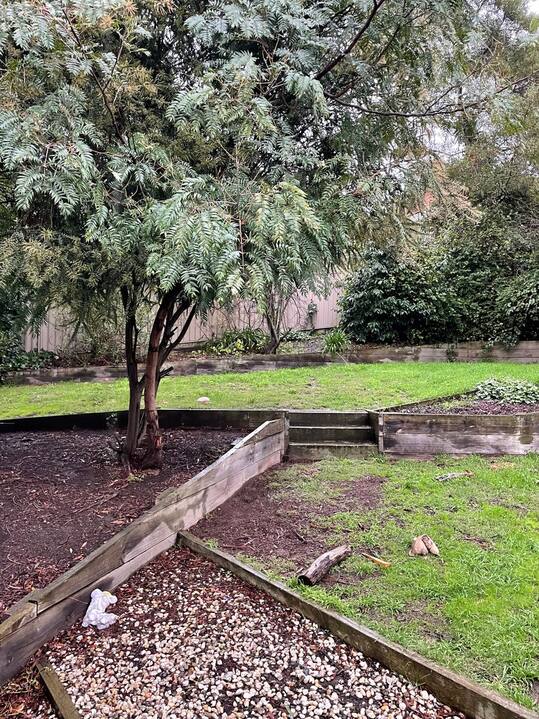 Back yard
8 Sep 2026
Back yard
8 Sep 2026
See a real report.
Open our example report, then download its PDF and flip through it.
Open the example report →
Related features
Continue exploring myInspections
Share report
Anyone with the link can view. No account required.

LANDLORD
Jenny Jackson
Added by Tessa Tenant
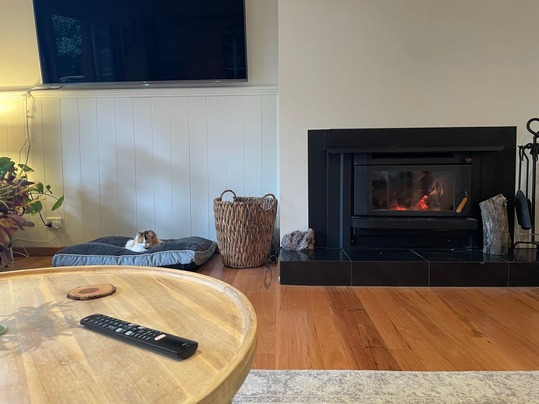
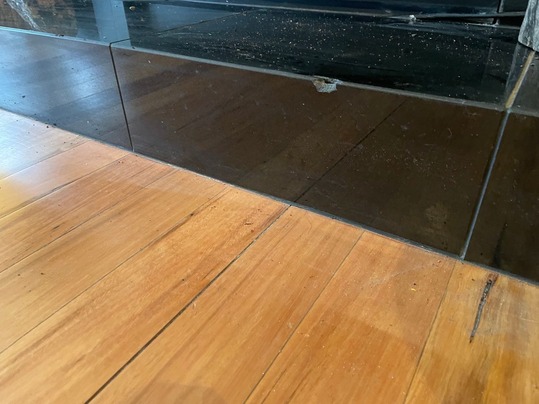
Notes:
One of the tiles in front of the fireplace is chipped.
Things people ask
What does a myInspections PDF report include?
Can I choose how the cover looks?
What can I customize on each plan?
Do photos and videos work in the PDF?
Can I regenerate a PDF after making changes?
Send a report you're proud of.
Start your trial today. Finish an inspection and hand over a polished PDF the moment you're done.