Annotate inspection photos right in the app.
Draw freehand, drop an arrow, or box off a problem area, right on the photo while you're standing there. It shows up in the report exactly as you marked it.
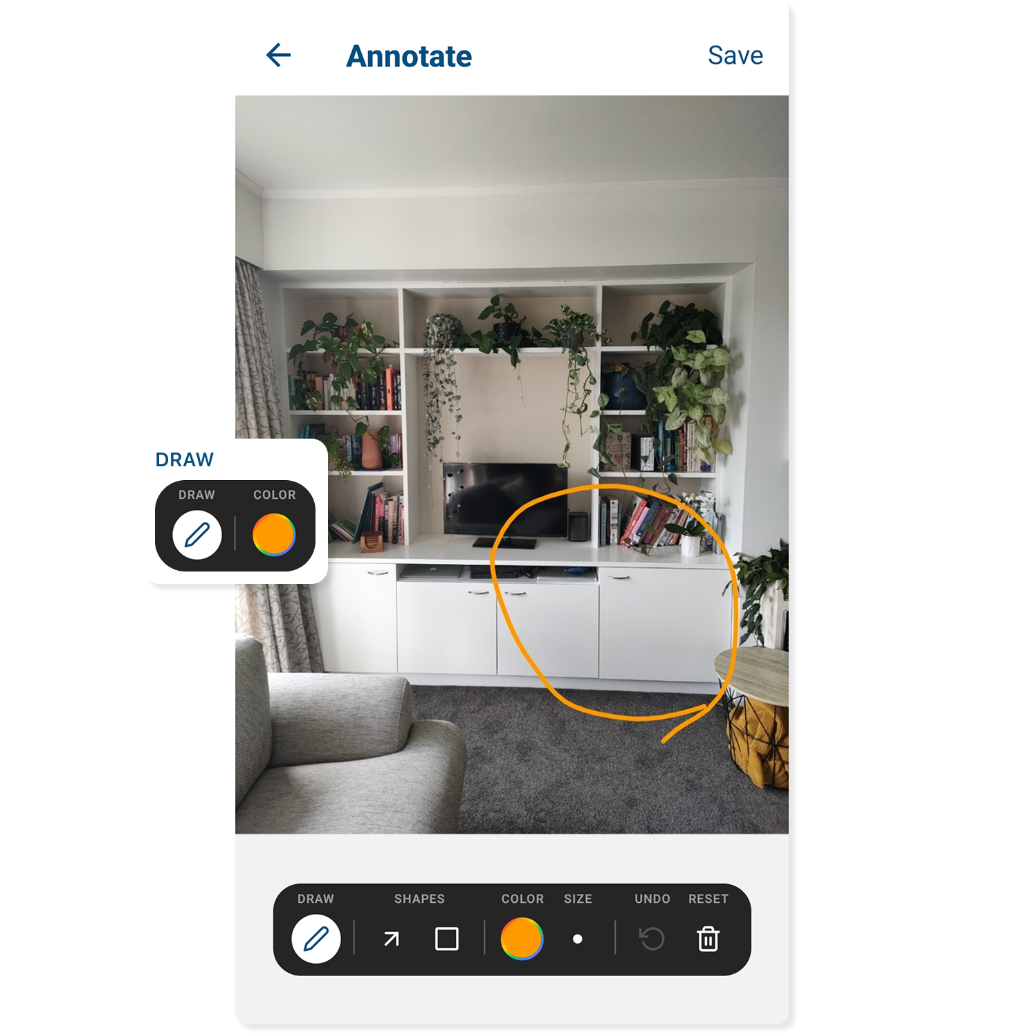
Make the issue impossible to miss.
Mark up the photo on the spot, and the report carries your exact meaning.
Every tool you need
Freehand, arrows, and rectangles, plus color, brush size, undo, and reset. Mark the photo however makes the issue clearest.
No room for doubt
A circled crack or a boxed stain leaves nothing open to interpretation. Whoever reads the report sees exactly what you meant.
Straight into the report
Every mark appears in the digital report and the PDF, exactly as you drew it. No extra steps after the inspection.
Related features
Continue exploring myInspections
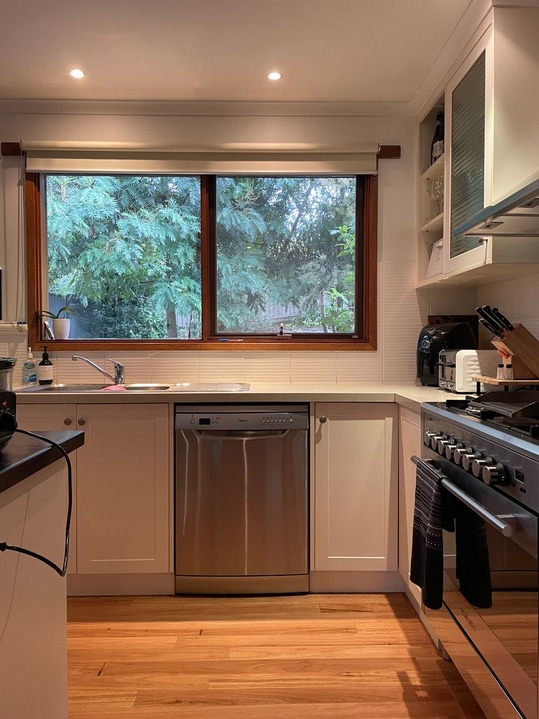 0:14
0:14
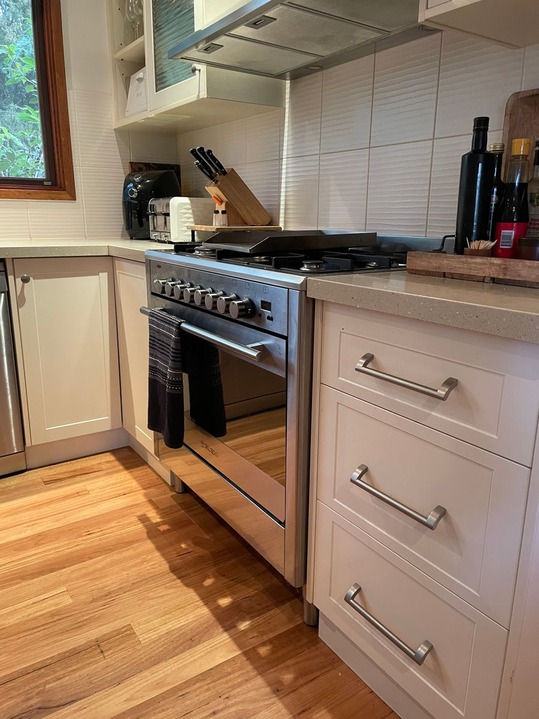
Counter scratched near the sink
EditKitchen template applied
6-point checklist
Tested and working. Batteries due at the next visit.
Template applied
Move-in inspection
Things people ask
What annotation tools are available in myInspections?
Will annotated photos appear in my inspection report?
Can I annotate a photo after the inspection is done?
Can I undo an annotation if I make a mistake?
Leave nothing to interpretation.
Start your trial today. Mark up your first inspection photos and let the report speak for itself.